Self-hosted research workspace
Neuroimaging workflows.
One Docker install.
Inspect MRI data, organize cases, run FastSurfer, and explore results with a viewer-aware assistant.
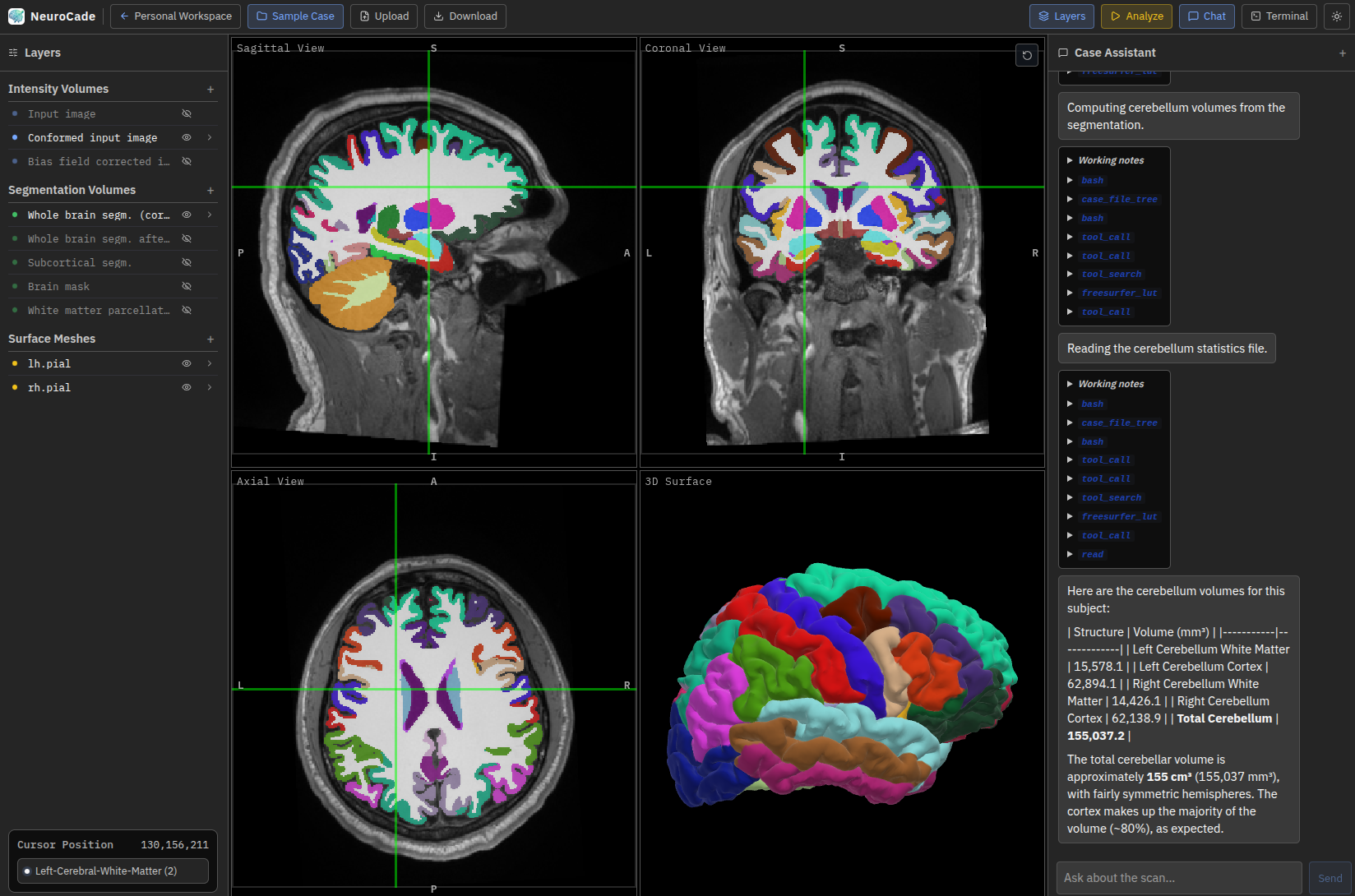
Inspect MRI data, organize cases, run FastSurfer, and explore results with a viewer-aware assistant.
Keep case organization, interactive review, processing, and results together in a browser-based research environment.
Create workspaces and cases, then import NIfTI volumes, DICOM ZIP archives, or existing FreeSurfer outputs.
Review MRI volumes and segmentation overlays alongside cortical surfaces, with synchronized navigation and label lookup.
Launch FastSurfer cortical reconstruction and segmentation from the interface and follow long-running job status.
Run structural MRI segmentation and surface reconstruction from the active case, then review generated volumes, labels, statistics, and surfaces in the same interface.
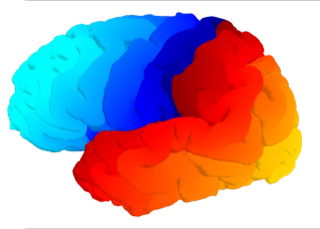
The optional assistant can inspect case files, control the viewer, read segmentation statistics, and launch configured workflows.
Ask about the volume, segmentation, surface, or label currently under review.
Run configured tools, query measured statistics, and load generated results back into the viewer.
Configure OpenAI-compatible, Anthropic, Google, or Ollama models—or install without an LLM.
The web interface, API, and background jobs ship together. Processing tools run through a dedicated container runtime.
Open the workspace from a local machine or an internally deployed server.
The built web UI, API, job worker, and Apptainer runtime ship in one published image.
Cases, outputs, tool images, and the SQLite database persist outside the app container.
Run neuroimaging packages, such as FastSurfer, against the active case data. A large catalogue of tools is provided by NeuroDesk.
The installer creates the local configuration and data directories, pulls the published image, downloads the prepared sample case, and starts NeuroCade.
The default local profile binds to your machine and opens at http://localhost:8000. The installer manages a small host-side bridge (Python/uv) automatically — no manual Python, Node.js, or Docker Compose setup is required.
May work under WSL (Linux subsystem) but not yet supported.
Start with the read-only sample case, install the research preview locally, or join the project on GitHub.